
Download InBrowser – privacy browser, incognito mode, TOR browser, anonymous web browsing, secure mobile browser, private browsing app
Overview
InBrowser is a privacy-focused mobile web browser developed by Private Internet Access Inc. Designed for users who prioritize online anonymity, the application operates on the principle of temporary browsing sessions, where all session data—including history, cookies, and cache—is automatically erased upon exit. This functionality aligns closely with incognito browsing but extends beyond typical private modes by integrating advanced privacy protections. The software is intended for individuals seeking to prevent tracking, safeguard personal data, and maintain control over their digital footprint. Its target audience includes privacy-conscious consumers, remote workers, journalists, and anyone who accesses public or shared devices regularly.
Real-world use cases include browsing sensitive information without leaving traces, accessing geo-restricted content, and avoiding behavioral tracking by advertisers and third-party analytics. The browser supports standard web functionalities such as tabbed navigation, file downloads, and media playback, ensuring usability without compromising on privacy. It leverages the TOR protocol to encrypt traffic and route it through multiple nodes, enhancing anonymity. While the developer did not provide additional system requirements, the app is available on both Android and iOS platforms. The release date of July 15, 2024, marks its entry into the growing market of secure mobile browsing tools.
Key Features & Capabilities
- Automatic Session Cleanup – All browsing data is deleted immediately after closing the app, ensuring no trace remains on the device.
- TOR Protocol Integration – Uses the Tor network to encrypt traffic and obscure user IP addresses, helping bypass geo-restrictions and prevent surveillance.
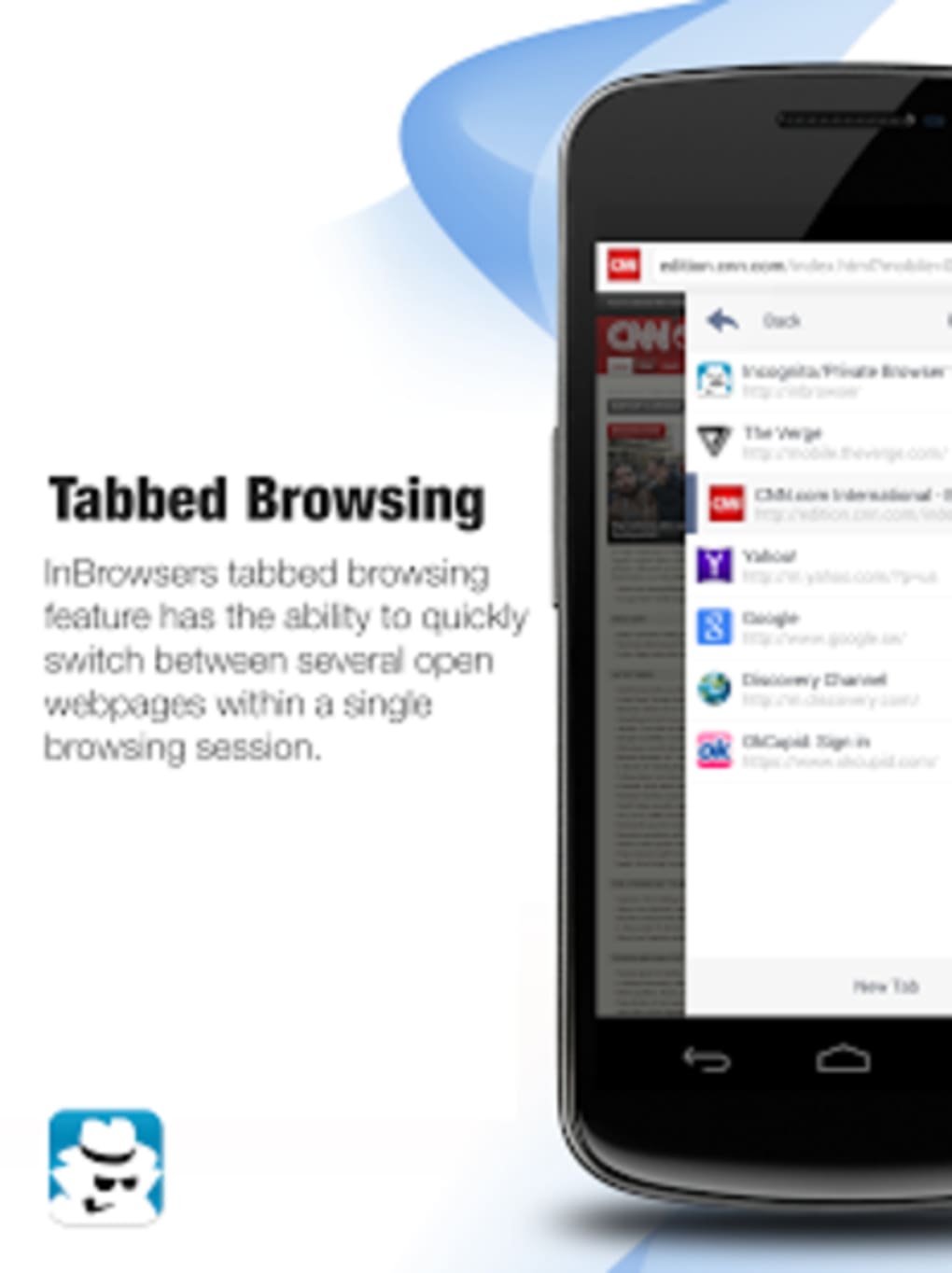
- Tabbed Browsing – Supports multiple open tabs for efficient multitasking while maintaining privacy across sessions.
- Secure File Downloads – Allows downloading of documents, images, and videos without storing metadata or logs.
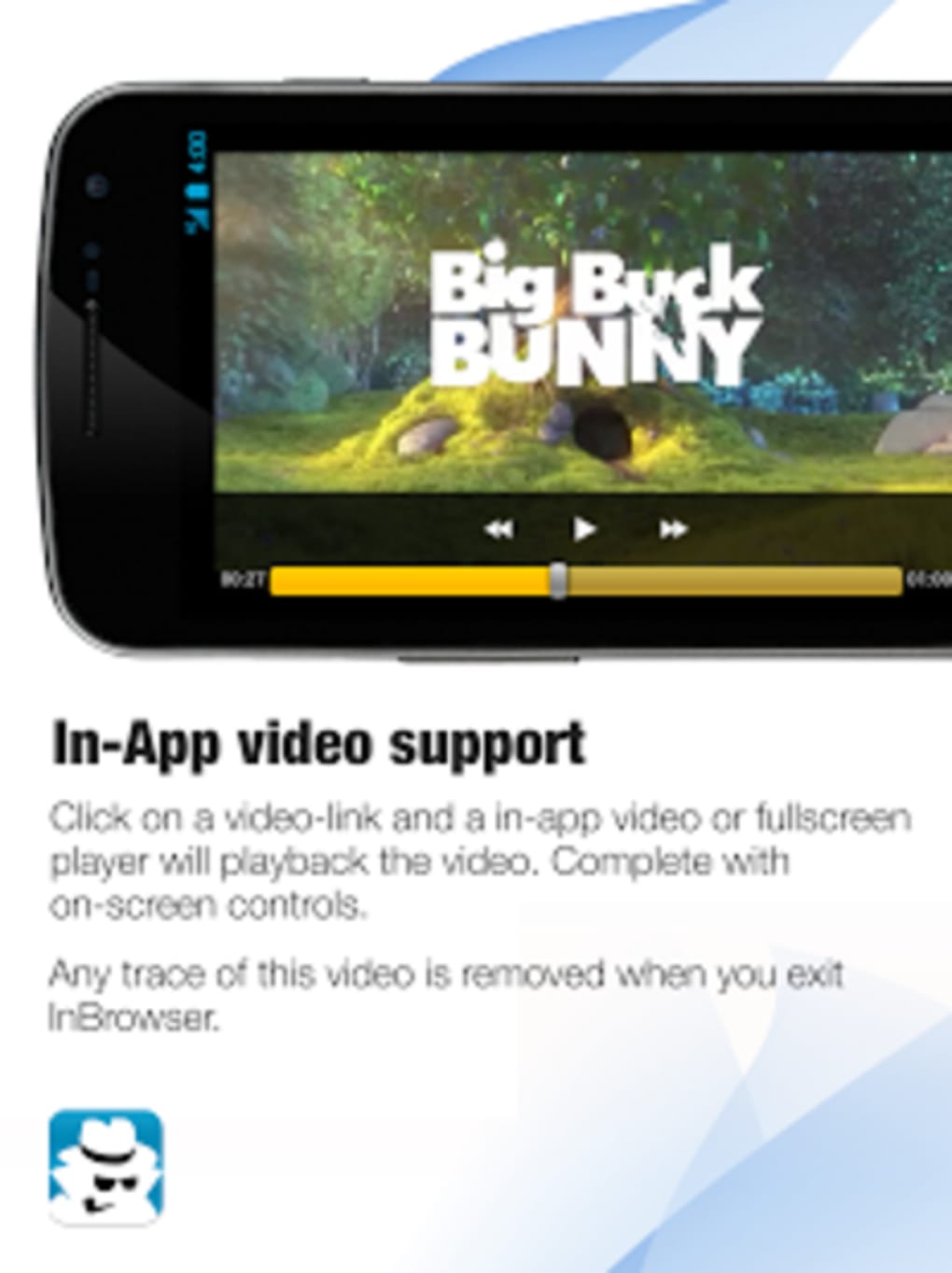
- Integrated Media Player – Enables smooth playback of online videos without relying on external apps.
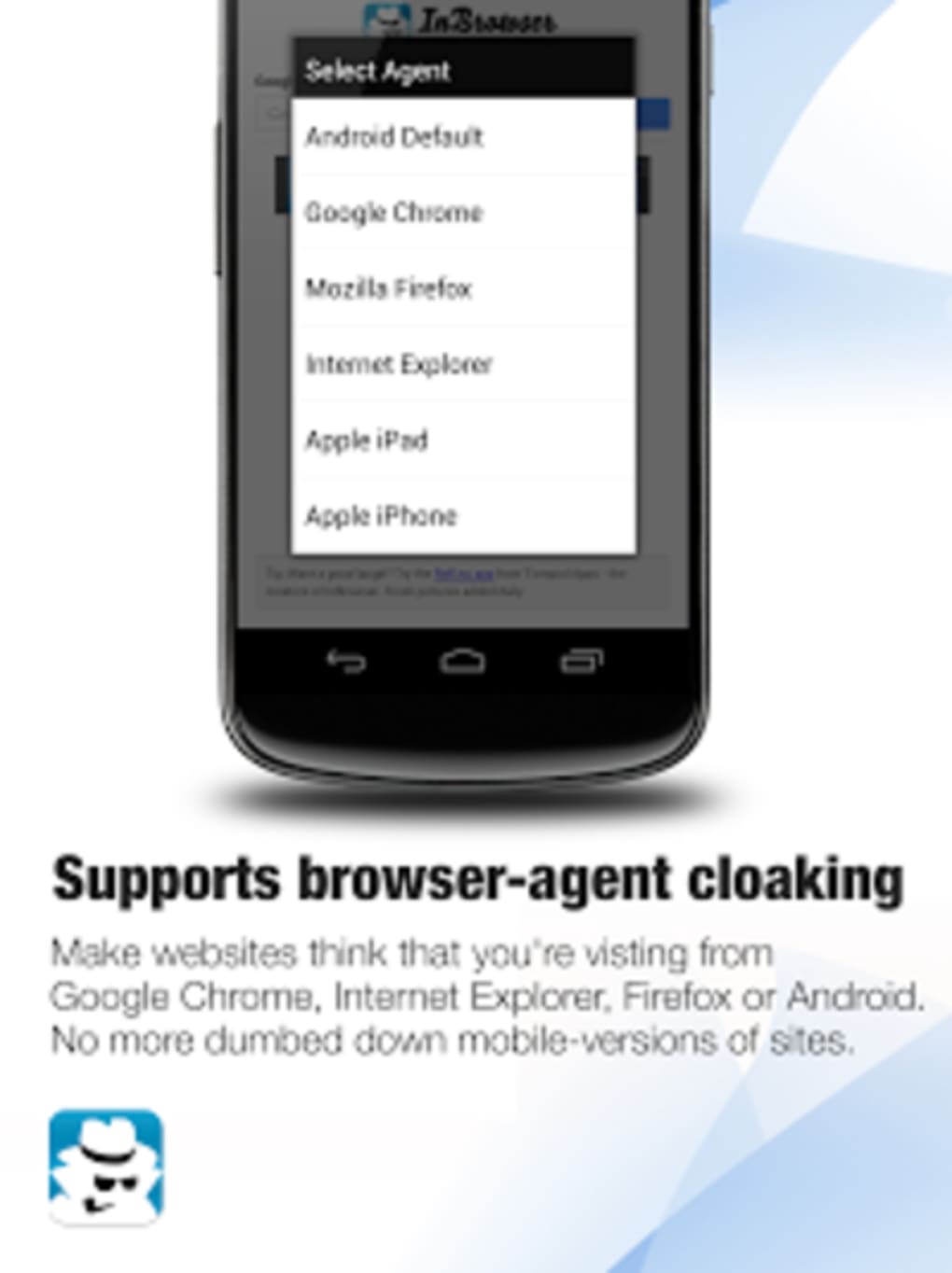
- Agent Cloaking – Dynamically switches between mobile and desktop website versions to improve compatibility and user experience.
- Third-Party Service Integration – Works well with password managers like LastPass for secure login management.
These features collectively support privacy-centric workflows such as conducting sensitive research, accessing restricted content, or using shared devices without exposing personal information. The TOR integration enhances security for users in high-risk environments, while the agent cloaking feature ensures compatibility with websites that detect mobile browsers. The developer did not specify performance benchmarks or resource usage, but general behavior suggests minimal impact on device performance during standard browsing.
User Interface, Workflow & Performance
The user interface of InBrowser appears streamlined and minimalistic, designed to reduce clutter and emphasize privacy. Navigation is intuitive, with a focus on essential functions such as URL input, tab management, and session control. The workflow is optimized for quick access to private browsing with a single launch, making it ideal for on-the-go use. Users can open multiple tabs, switch between them, and close all sessions with a single action, reinforcing the privacy-first philosophy.
Performance observations are based on general software behavior patterns. The browser maintains responsiveness during standard web navigation, and video playback functions as expected. However, occasional lag and crashes have been reported, though exact frequency and conditions were not specified.
The developer did not provide detailed information on CPU or RAM usage, so users should monitor performance based on individual device conditions. Stability may vary depending on network quality and background processes. Overall, the workflow remains efficient for private browsing tasks, though users should be prepared for potential interruptions.
Compatibility & System Requirements
InBrowser is available for both Android and iOS operating systems, supporting mobile devices running these platforms. The software version is 1.0.1, released on July 15, 2024. The installation size is 10.2 MB, indicating a lightweight footprint suitable for devices with limited storage. Platform compatibility information is limited to the stated operating systems, with no details on specific device models or hardware specifications provided.
Exact system requirements were not listed. The developer did not specify minimum RAM, processor speed, or storage capacity. Users should ensure their devices meet the general requirements of modern mobile operating systems to run the application smoothly. Compatibility with older OS versions is not confirmed. It is recommended to check for updates through official app stores to maintain functionality and security.
Pros and Cons
Pros
- Automatic deletion of browsing data upon exit enhances privacy.
- Integration with the TOR protocol provides strong anonymity and encryption.
- Lightweight installation size (10.2 MB) suits low-storage devices.
- Supports tabbed browsing and file downloads without compromising privacy.
- Includes agent cloaking for better website compatibility.
- Free to download and use with no in-app purchases.
Cons
- Occasional lag and crashes reported during use.
- Performance may vary depending on network conditions and device capabilities.
- Exact system requirements were not specified.
- May not work optimally with all VPN services due to traffic handling conflicts.
- Limited customization options in the current version.
FAQ Section
Is InBrowser available for Windows or Mac?
InBrowser is currently designed for mobile platforms only. It is available on Android and iOS devices. There is no desktop version available at this time.
Does InBrowser require a VPN to function?
No, InBrowser does not require a separate VPN. It uses the TOR protocol internally for encryption and anonymity. However, using it alongside a VPN may cause conflicts with some services.
Is InBrowser safe to use?
Yes, InBrowser is designed with privacy as a core principle. It deletes all session data upon exit and uses the TOR network to protect user activity. As with any software, users should download it from official app stores to ensure authenticity.
How often are updates released?
Updates are released periodically to improve stability, security, and functionality. The latest version, 1.0.1, was released on July 15, 2024. Users are encouraged to keep the app updated via their device’s app store.
Can I use InBrowser offline?
While InBrowser requires an internet connection to browse the web, it can be launched and closed without storing any data. All browsing activity occurs online, and no local data is retained after session closure.
Final Thoughts
InBrowser delivers a focused, privacy-first browsing experience tailored for mobile users who demand anonymity and data protection. Its integration of the TOR protocol, automatic session cleanup, and support for essential web functions make it a compelling choice for individuals seeking secure mobile browsing. Despite occasional performance issues, the app remains functional and effective for its intended purpose.
The lightweight design and free availability further enhance its appeal. For users who prioritize privacy over advanced customization, InBrowser offers a reliable and straightforward solution. Download InBrowser now.






.png)
